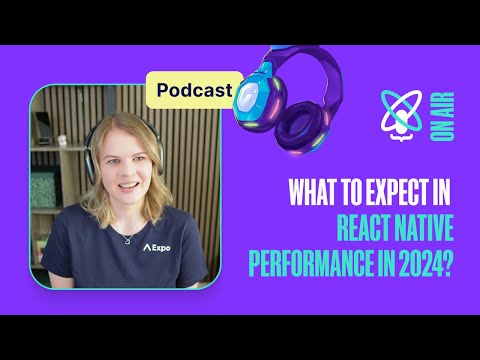
Kuba says rapid growth can push performance work aside, creating technical debt and a frustrating user experience. Teams may struggle to identify bottlenecks, choose an effective fix, or prevent regressions. The panel emphasizes that performance work should continue throughout development.
Improving React Native app performance: Practical tactics and case studies
Speakers
Callstack’s Lukasz, business development manager Kuba Stadniczuk, and software engineer Eduardo Graciano discuss React Native performance measurement and optimization, using a messaging app case study.
The team describes its Define, Measure, Analyze, Improve, and Control process: set goals, establish a baseline, find root causes, implement changes, and monitor results. Eduardo covers five metrics: FPS, time to interactive, app size, memory, and CPU usage. Suggested tools include Flashlight, Xcode Instruments, Android Profiler, and Shopify’s performance tools.
The case study starts with falling store ratings, complaints about duplicate or delayed messages, and rising CPU and memory use. Chat scrolling reached about 42 FPS, CPU peaked at 34%, and memory use was around 700 MB. The team switched FlatList to FlashList, simplified component trees, reduced network requests, and avoided unstable defaults and repeated calculations.
After the changes, scrolling reached a stable 60 FPS, CPU use fell by 18%, and memory use fell by 30%; the presenters also reported more positive reviews and fewer communication complaints. In the Q&A, Eduardo recommends using memoization where it prevents costly work, keeping state close to the components that need it, and delaying nonessential startup work until after the app becomes interactive.
Takeaways
- Set a performance baseline before changing code, then measure the same metrics afterward.
- Prioritize bottlenecks users feel, such as chat scrolling and delayed interactions.
- For large lists, consider FlashList and simplify item components to reduce rendering work.
- Keep state near the components that use it to limit unnecessary re-renders.
- Defer nonessential startup tasks until after time to interactive.
Mentioned in this talk


Search inside this talk
What was claimed 6
- role atKuba Stadniczuk is business development manager at Callstack Team
“Kuba Stadniczuk, our business development manager.”
YouTube Unverified1 source· Talk
- role atEduardo Graciano is software engineer at Callstack Team
“a software engineer from Callstack”
YouTube Unverified1 source· Talk
- featureEduardo Graciano: Performance expert and co-author of the Ultimate Guide to React Native Optimization
“You're our performance expert and one of the co-authors of the Ultimate Guide to React Native Optimization.”
YouTube Unverified1 source· Talk
- featureCallstack Team: Uses the DMI methodology for performance-oriented projects
“At Callstack, we follow the DMI methodology”
YouTube Unverified1 source· Talk
- featureFlashlight: Measures app performance, including FPS and memory usage
“tools to measure it: the Flashlight library”
YouTube Unverified1 source· Talk
- built
“FlashList by Shopify”
17:31inMaster JavaScript Performance in React NativeYouTube Verified2 sources· Talk